Google Meet and the case for a dedicated home-office AV brief
Google’s remote-working history and collaboration services expose a practical distinction for prime homes: a well-equipped study is not necessarily a dependable meeting room.
By James Whitcombe · · 5 min read
Key facts
- 01Google announced in 2020 that some jobs would become permanently home-based following its remote-working experience.
- 02Google’s workplace portfolio includes Meet for videotelephony, Workspace for productivity and Drive for cloud storage.
- 03Google supplies Android and ChromeOS, but shared ownership does not establish compatibility with a particular home-office installation.
- 04Google’s 2020 outages included disruptions in August and December; the incidents were resolved within hours.
- 05Google’s remote-working decision was an employment change, not a residential AV product launch.
In 2020, Google announced that some jobs would become permanently home-based following its experience of remote working during the pandemic. The Mountain View-headquartered company also supplies Meet, Workspace and Chrome: services that make the home office an audiovisual design problem as well as a furniture and networking brief.
What happened
Google’s decision followed a period in which most of its employees were working from home. Alongside that change, the company announced slower hiring for the remainder of 2020, with exceptions for a small number of strategic areas, and adjustments to investment, marketing and travel expenditure. These were responses to the pandemic, not a residential technology launch.
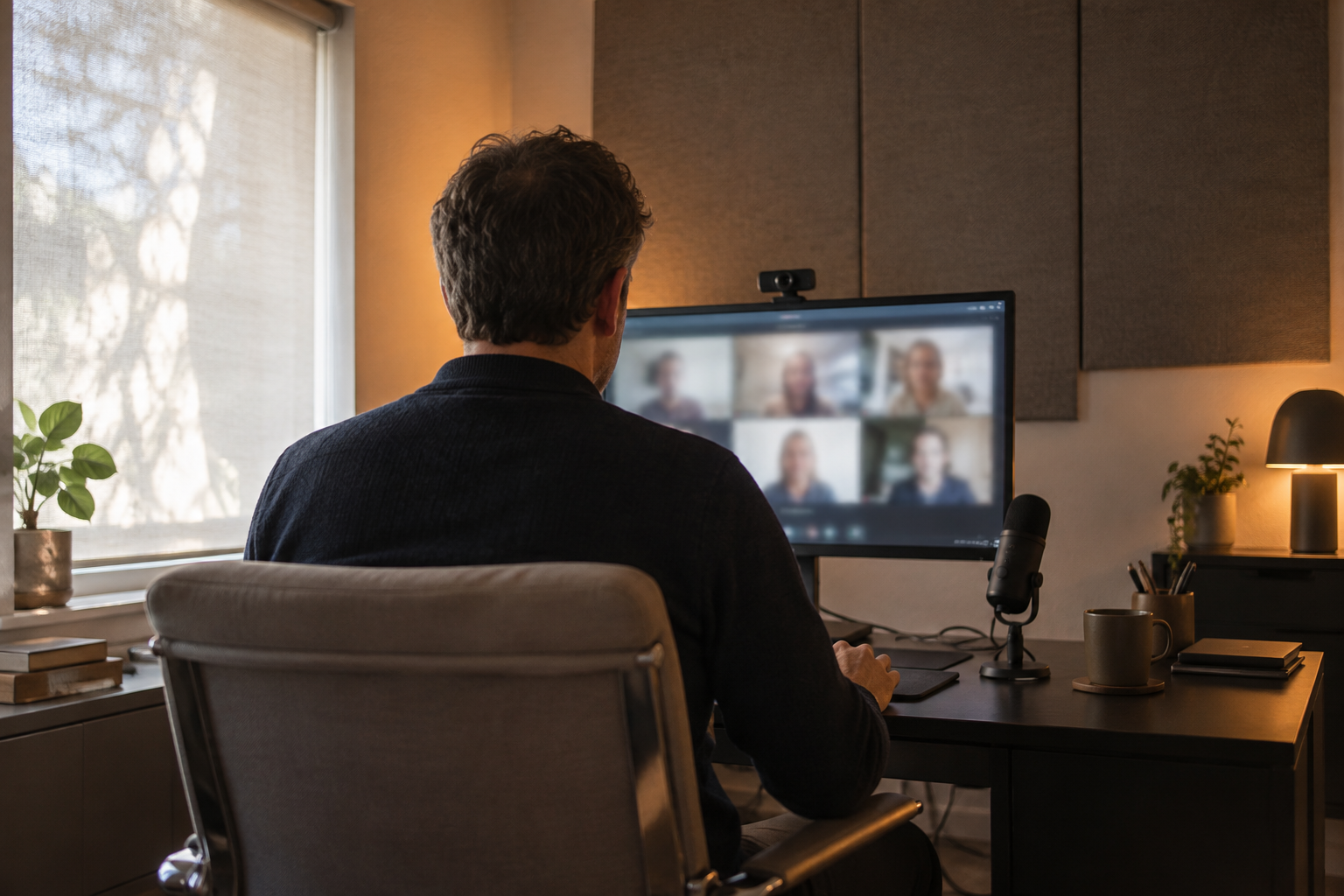
The enduring relevance for property owners lies in the distinction between accommodating occasional work and supporting a permanent workplace. A study used for correspondence can tolerate compromises that become intrusive during frequent video meetings: an unsuitable camera position, poor speech intelligibility or an interface that requires assistance before every call.
Google’s portfolio brings several parts of that workplace under one corporate umbrella. Meet provides videotelephony, Workspace covers productivity, Drive supplies cloud storage and Chrome provides web browsing. Android and ChromeOS add operating-system choices, although common ownership alone establishes neither compatibility with a particular AV installation nor its suitability for an employer’s requirements.
For a residential integrator, the starting point should therefore be the actual meeting workflow. Establish which device joins the call, where sound enters and leaves the system, who administers the account and whether anyone else will use the room. That is a more useful specification than simply requesting a large display with a camera above it.
The background
Google began in 1998 as the company behind a search engine and subsequently expanded into communications, consumer hardware and cloud services. That breadth explains why its products can touch several layers of a home office without having been selected as one coordinated installation. A resident may arrive with an established software environment that the room must accommodate rather than replace.
The company became a wholly owned subsidiary of Alphabet in 2015, when Sundar Pichai took over as Google’s chief executive. Pichai also became Alphabet’s chief executive in 2019. For procurement, however, corporate scale should not be confused with a single support arrangement covering a computer, third-party peripherals, the home network and workplace accounts.
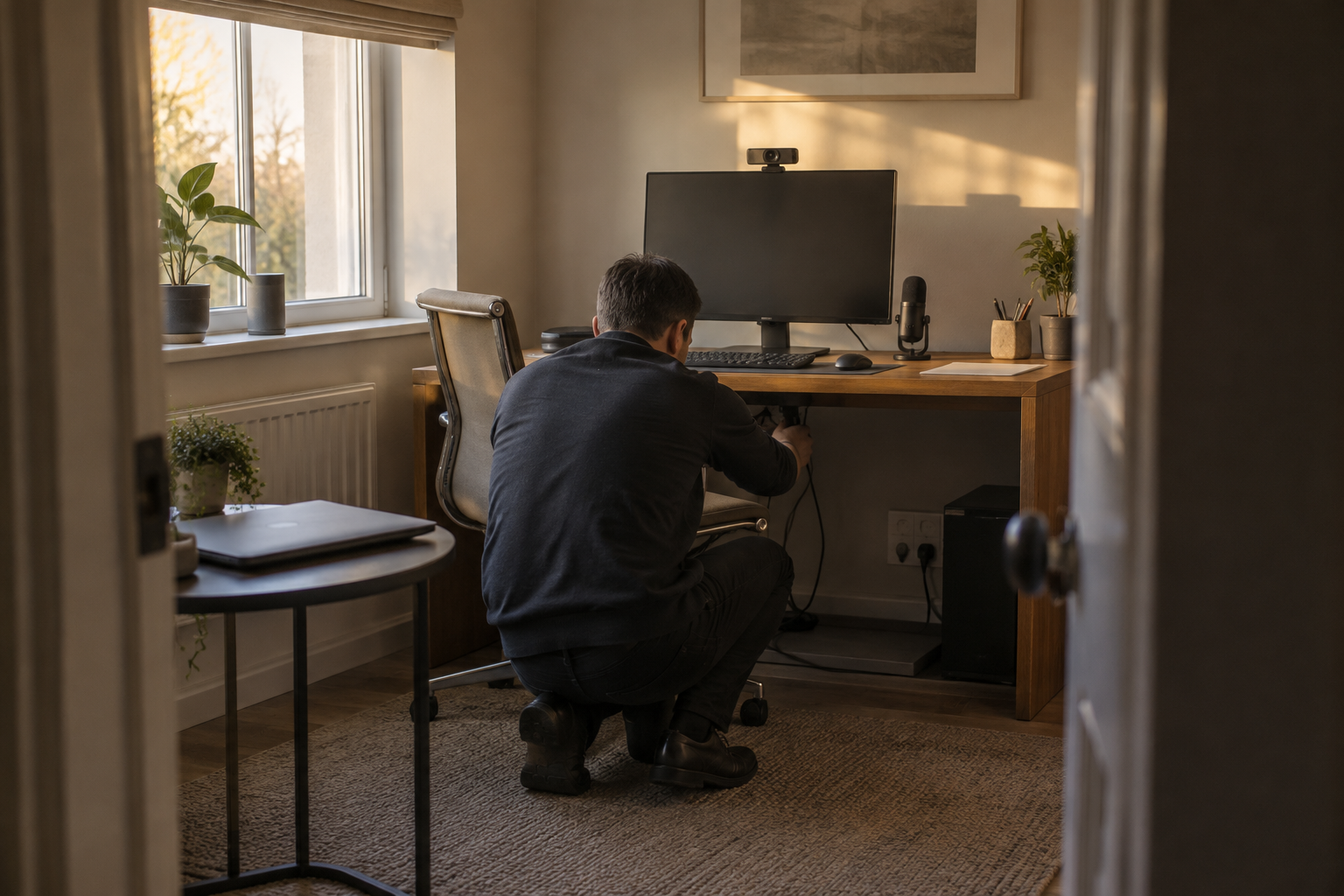
Account administration is a separate design responsibility from room control. Before specifying equipment, the project team should establish whether the resident’s employer permits external cameras, microphones and shared room computers. Our examination of Google Workspace and home-office account planning explores why those decisions belong in the brief rather than at handover.
Acoustics deserve similarly early attention. Hard glazing, stone surfaces and sparsely furnished rooms can produce reflections that reduce speech clarity; adding a more expensive microphone does not automatically remove the room’s contribution. The interior designer and AV specialist should agree where acoustic treatment can be incorporated before finishes are fixed.
Camera geometry creates another architectural constraint. A display positioned comfortably for viewing documents may place a camera too far above eye level, while a window behind the desk can complicate exposure. Testing the seated position, background and daylight conditions before joinery manufacture avoids making the finished room dependent on corrective accessories.
What people are saying
Google attributed its move towards permanent home-based roles to the success of its remote-working experience. That position supports the seriousness of the home workplace, but it is not an endorsement of any particular residential conferencing system. There is no basis here for treating Google’s employment decision as a new equipment standard or installation recommendation.
Owners are likely to judge the result through everyday friction: whether they can start a meeting promptly, be heard clearly and share material without rearranging cables. For a room used by more than one household member, a sensible acceptance test should include changing users and restoring the previous setup, not merely completing one demonstration call.
Integrators should read the breadth of Google’s services as a reason to define responsibility precisely. A failure to join a meeting could sit with account permissions, the computer, a peripheral or connectivity. A support document should identify who can investigate each layer without requiring the homeowner to disclose workplace credentials to every contractor.
Interior designers face a different trade-off between concealment and usability. A camera hidden when the room is idle still needs an unobstructed view in use; a microphone concealed for appearance must still capture the intended speaker. These are coordination questions that should be resolved with physical trials rather than assumed from equipment dimensions.
What happens next
No new Google Meet residential product, installation programme or delivery date is established by these facts. For an owner planning a project now, the next step is a practical survey of the intended workflow, followed by a demonstration using the resident’s approved computer and meeting account. Product selection should follow that exercise.
The demonstration should test more than picture quality. Check speech at the normal working position, keyboard noise, loudspeaker level and the behaviour of the system when the resident connects or disconnects a laptop. Where a room also serves as a private listening space, establish how meeting audio takes priority and how the normal audio setup is restored afterwards.
Platform choice needs its own verification. Google supplies both Android and ChromeOS, but that fact cannot establish whether a proposed control application or peripheral will work in the intended configuration. The wider issue of Android hardware in home control reinforces the value of testing the exact combination rather than relying on a platform name.
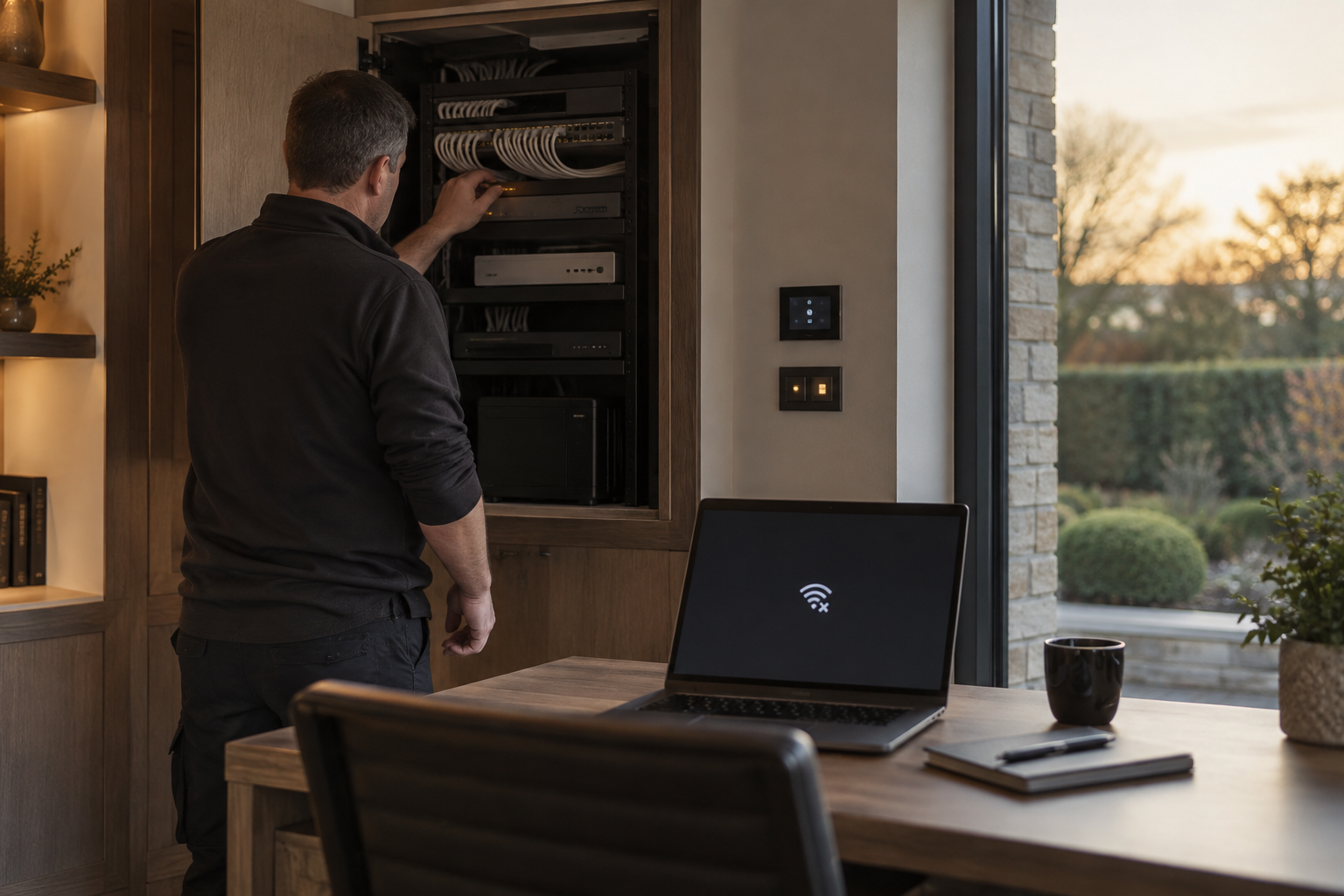
Service resilience also belongs in the brief. Google experienced outages in 2020, including an August disruption affecting Drive among other services and a December incident affecting its application suite; the incidents were resolved within hours. Those events illustrate why a healthy local network does not guarantee access to a cloud-based workplace.
A fallback plan should distinguish between an internet connection failure and a service-side disruption. An alternative connection may help with the former but cannot be assumed to resolve the latter. Our analysis of Google cloud outages and connected-home resilience considers that separation; for a home office, the resident and employer should agree an approved alternative way to communicate.
Handover should record the tested configuration, support contacts and recovery steps in language the resident can use. It should also identify who may approve subsequent software or hardware changes. Otherwise, a routine replacement computer can leave an expensive room requiring fresh commissioning before its core function works reliably again.
Why this matters
For owners and developers of prime homes, the useful lesson from Google’s remote-working shift is not to build an office around one technology brand. It is to commission the meeting experience as a distinct system, with acoustics, lighting, equipment, accounts and support considered together. That makes dependable daily use an explicit project requirement rather than an assumed benefit of expensive hardware.
Questions answered
+What is Google Meet used for?
Google Meet provides videotelephony. In a home-office brief, it forms part of the meeting workflow alongside the resident’s computer, camera, microphone, loudspeakers and network.
+When did Google announce permanent working from home?
In 2020, Google announced that some jobs would become permanently home-based following its experience of remote working during the pandemic. The announcement did not apply to every role.
+What should I consider when designing a home office for video calls?
Establish the approved computer and account first, then assess acoustics, camera position, lighting, microphone placement and audio routing. Test the intended setup before fixing joinery or selecting equipment.
+Does Google ownership guarantee that home-office equipment works together?
No. Google supplies services and operating systems including Meet, Chrome, Android and ChromeOS, but common ownership alone does not establish compatibility with a particular installation or an employer’s requirements.
+Can backup internet fix a Google service outage?
An alternative internet connection may help when the primary connection fails. It cannot be assumed to resolve a service-side disruption, so an approved alternative communication method should be agreed separately.
+What should a home-office AV handover include?
The handover should document the tested configuration, support contacts, recovery steps and responsibility for approving changes. Account administration should be distinguished from equipment and network support.
More in Latest Tech
 Latest Tech
Google Workspace puts home-office account planning in focus
Google’s reach across work, storage and domestic technology makes account ownership a practical design issue for the luxury home office.
14 October 2026 · 5 min
 Latest Tech
Google cloud outages and the connected home’s resilience plan
Google’s historical service interruptions offer a practical lesson for luxury homes: internet access, cloud availability and local control need separate resilience plans.
13 October 2026 · 5 min
 Latest Tech
Google Alphabet ownership and smart-home accountability
Google’s corporate structure explains who controls the business, but owners need product-level commitments before relying on its services throughout a luxury home.
14 October 2026 · 5 min