Google Workspace puts home-office account planning in focus
Google’s reach across work, storage and domestic technology makes account ownership a practical design issue for the luxury home office.
By Davy Currie · · 5 min read
Key facts
- 01Google’s portfolio includes Workspace, Gmail, Drive and Meet alongside domestic services such as Nest and YouTube.
- 02Google announced in 2020 that some roles would become permanently home-based.
- 03Google became an Alphabet subsidiary in 2015; Sundar Pichai became Alphabet chief executive in 2019.
- 04Google service outages in 2020 affected Drive and other applications, with disruption resolved within hours.
- 05No new Google luxury-home office package, installation price or launch date is established here.
Google’s expansion beyond search has brought workplace software and domestic technology into the same corporate portfolio, with Workspace alongside Nest, Android and YouTube. In 2020, the Mountain View-based company also announced that some of its own jobs would become permanently home-based; for residential projects, that history raises a practical question about where household technology ends and the working environment begins.
What happened
Google now supplies services covering email, document storage, videoconferencing, productivity, entertainment and smart-home technology. Gmail, Drive and Meet are particularly relevant to a private office, while Nest and YouTube address different parts of domestic life. Their shared corporate parentage does not make them a single residential system, or establish that one account should be responsible for everything.
This is a planning issue rather than a newly announced Google home-office package. The company history contains no specification for a professionally integrated residential workplace, no installation price and no commitment to supporting a particular luxury-home configuration. Owners should therefore distinguish the availability of familiar applications from the separate work of designing, commissioning and maintaining the room around them.
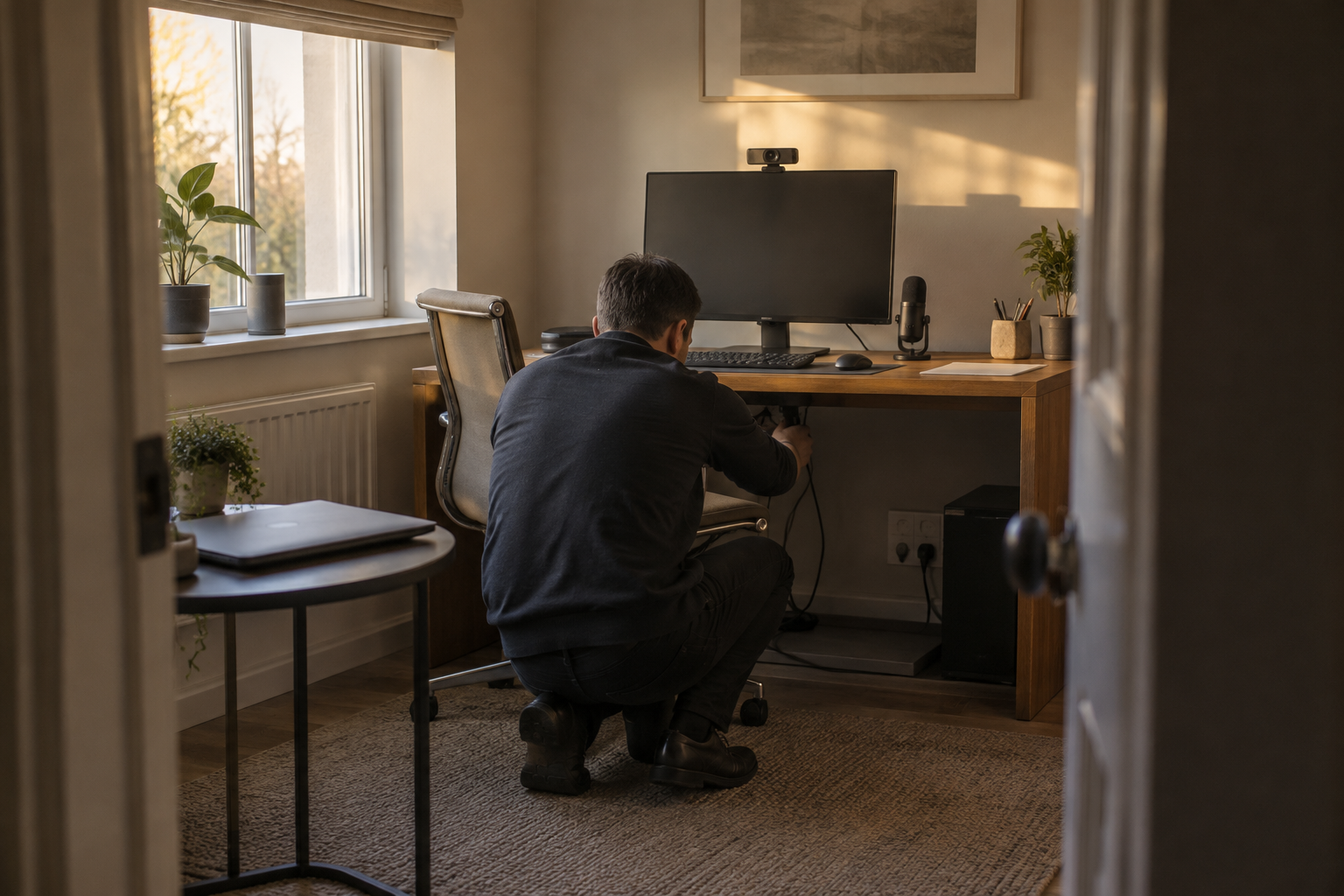
The immediate implication is that an office brief needs two schedules: one for physical equipment and another for service ownership. A display, camera, microphone and network connection can be installed and tested by an integrator. Authority over business email, stored documents and meeting access may instead belong to an employer, a family office or the individual resident.
Those responsibilities should be established before procurement. Otherwise, a successful demonstration can conceal an incomplete handover: equipment may function perfectly while the person who must administer the service is absent, unidentified or unable to authorise changes. The acceptance test should establish both who can use the room and who is entitled to maintain its working environment.
The background
Larry Page and Sergey Brin founded Google in 1998. Its subsequent growth into operating systems, cloud computing and consumer electronics explains why the company can appear repeatedly in a residential technology specification without being the principal automation supplier. An owner may encounter Google through a telephone, browser, television service and work application, each serving a different purpose.
The corporate structure changed in 2015, when Google became a wholly owned subsidiary of Alphabet and Sundar Pichai became Google’s chief executive. Pichai also became Alphabet’s chief executive in 2019. That distinction matters when assessing a supplier, but a group-level relationship is not a substitute for identifying the provider, account holder and support route for each installed service.
Google’s experience of home working gives the office question a concrete historical reference. During the COVID-19 pandemic in 2020, most of its employees worked from home, and the company subsequently announced permanent home-working arrangements for some roles. This was an employment decision, not a residential technology standard; it did not establish requirements for acoustics, lighting, network design or household privacy.
For a premium property, those requirements should be treated separately. Speech intelligibility depends on the room and audio arrangement, not simply the choice of meeting application. Camera framing and lighting need to accommodate the actual desk position, while the background should avoid exposing family photographs, sensitive paperwork or circulation routes through the house.
The network brief also needs to reflect simultaneous domestic use. A meeting room may share the property’s internet connection with streaming, downloads and other occupants’ work. Testing should therefore represent a normally occupied house rather than an otherwise idle installation; the relevant question is whether the specified experience remains usable under the conditions the owner will actually create.
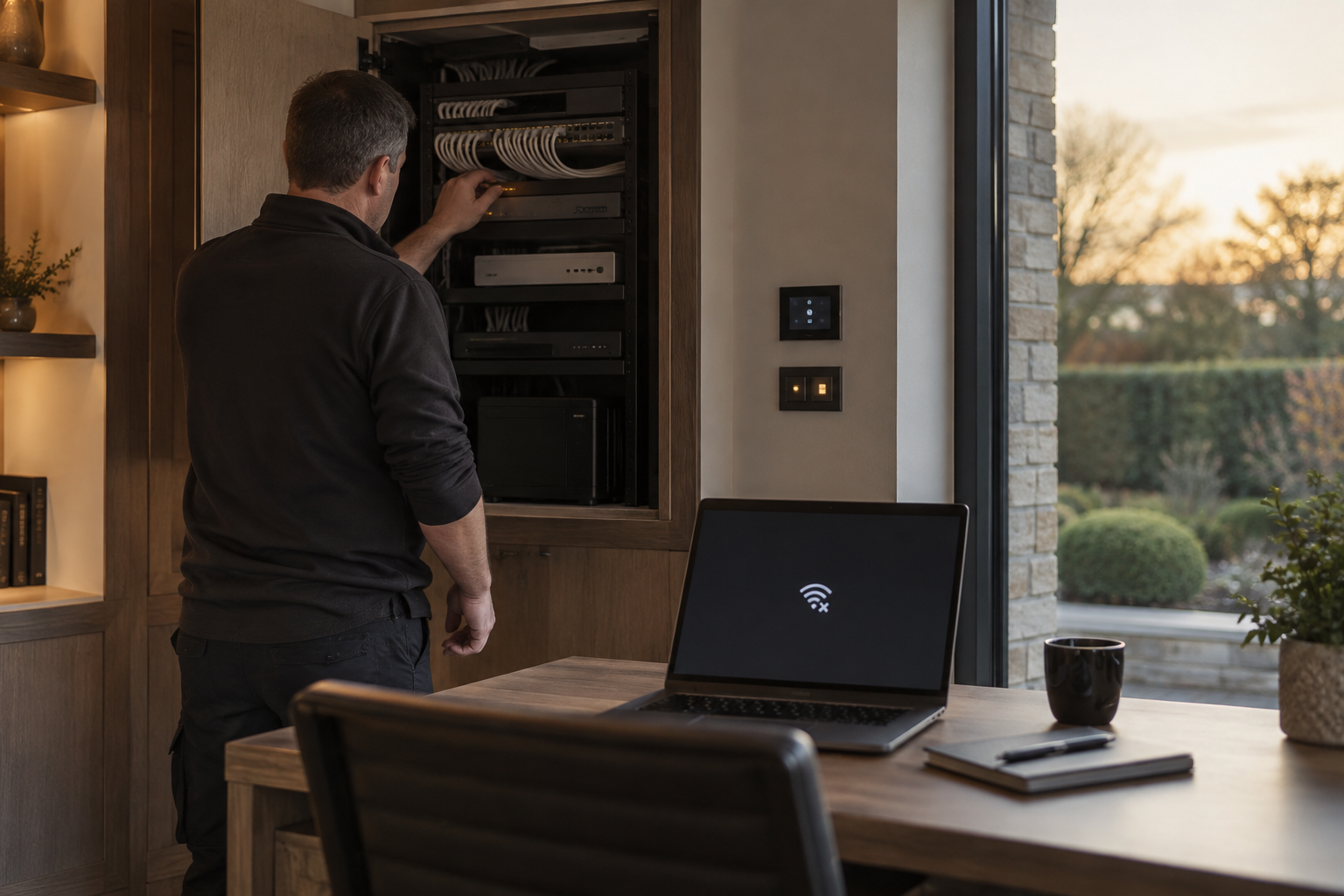
Google’s service history adds another consideration. Outages in 2020 affected Drive and, in December, a wider set of Google applications, with disruption resolved within hours. As our examination of connected-home service resilience explains, a healthy local network and an available external service are different conditions, requiring different responses when something stops working.
What people are saying
There is no new Google statement here setting out a luxury-residential workplace strategy. Its portfolio demonstrates participation in both productivity and domestic technology, but does not establish how those services should be combined in a particular property. Reading it as an endorsement of a unified household-and-business account arrangement would go beyond the facts.
For owners, the useful interpretation is convenience with clearly defined boundaries. Familiar software can reduce the learning burden when moving between a main residence and a second home. That convenience should not require personal correspondence, business documents and household administration to be placed under the same operational responsibility merely because the services carry the same company name.
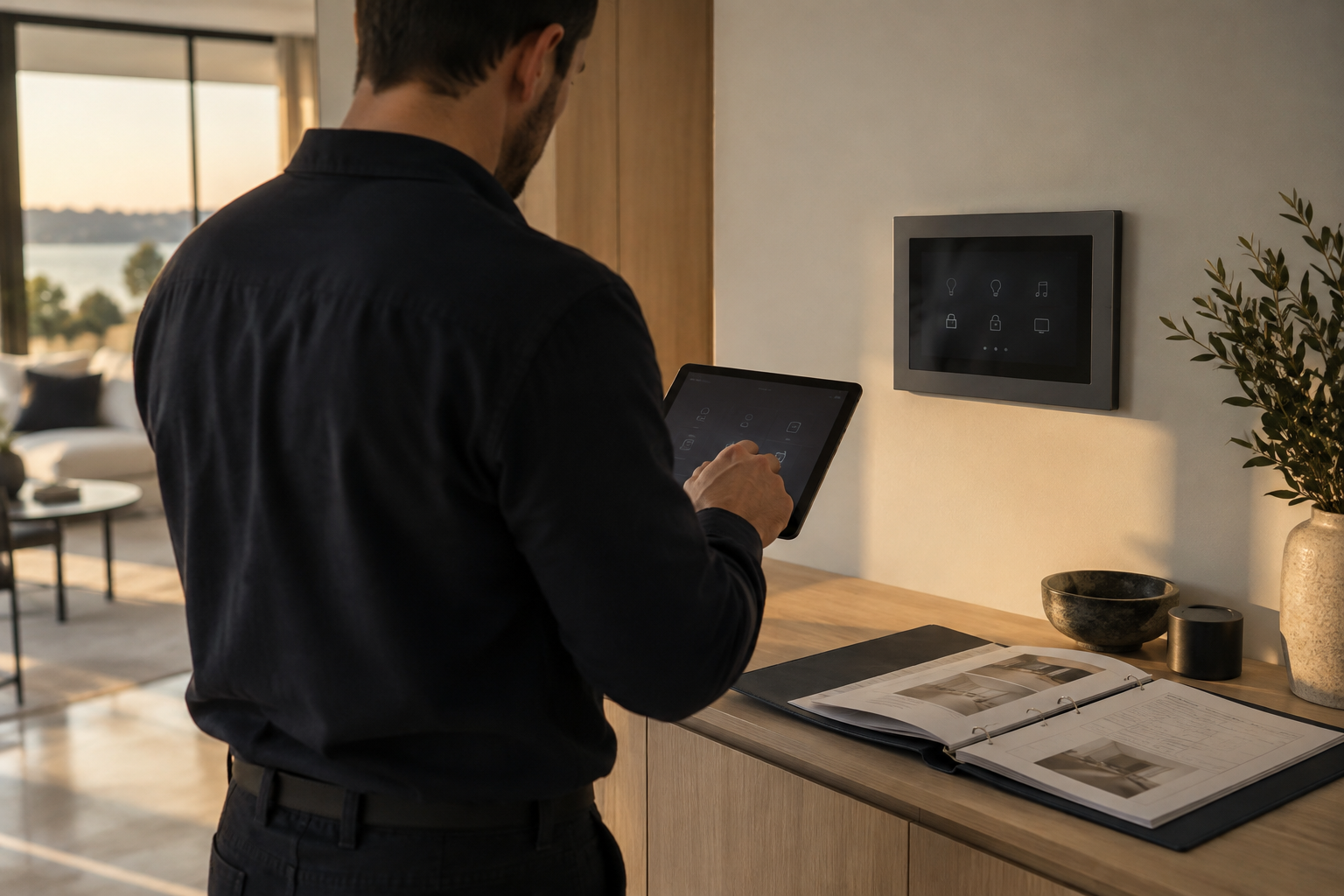
For integrators, the commercial boundary is equally important. Agreeing to support cameras, displays and connectivity should not silently become an undertaking to administer the client’s business information. A written scope should distinguish equipment faults, local connection problems and application-account issues, then name the appropriate contact for each rather than leaving the owner to discover the distinction during a failed meeting.
A family office or employer is likely to read the same brief through the question of access. Which technician needs to see a screen, which administrator may change a setting, and what information could become visible during troubleshooting? The principle also applies to access to sensitive home-project information: permission should follow a defined task, not the convenience of sharing a broadly privileged login.
What happens next
No home-office launch date or product roadmap is established by these facts. The next useful step for a live residential project is therefore a responsibility review, not a purchasing decision based on an assumed forthcoming Google integration. The owner, integrator and relevant business administrator should agree the operating model while the room specification can still be changed economically.
Commissioning should include the situations most likely to expose unclear responsibilities: a different resident using the room, an employer changing its working arrangements, a support visit and the departure of a household employee. These are proposed acceptance scenarios, not Google-announced features. Each should produce a documented answer about who authorises access and what the integrator is permitted to do.
Continuity planning should identify which activities can proceed without a particular external application. A room might still support telephone conversations or work on locally available material even when a preferred cloud service is unavailable, depending on the equipment and documents provided. Any alternative should be checked in advance rather than described vaguely as a backup that nobody has tested.
The handover pack should record service owners, support contacts and the agreed process for changes without becoming a collection of exposed passwords. It should also distinguish permanent installation records from a resident’s changing business arrangements. A future occupier should be able to understand the room’s infrastructure without inheriting access to the previous user’s professional life.
Why this matters
For a luxury-home owner, the valuable outcome is a workplace that can be supported without compromising the rest of the household. Google’s breadth makes that boundary easy to overlook: familiar services can feel like one environment even when their purposes and administrators differ. Specifying account responsibility alongside the physical installation makes the office easier to hand over, troubleshoot and adapt when the people using it change.
Questions answered
+What is Google Workspace used for in a home office?
Workspace is Google’s productivity offering. Google’s wider workplace services include Gmail for email, Drive for storage and Meet for videoconferencing; the physical office still needs its own equipment, room design and support arrangements.
+Has Google launched a luxury home office system?
No new luxury-home office system is established here. Google’s portfolio covers workplace and domestic technology, but that is not a specification for a professionally integrated residential office.
+Who should manage accounts in a smart home office?
The project should identify whether the resident, employer or family office controls each service. The integrator’s equipment-support role should be distinguished from authority over business email, documents and meeting access.
+Can a Google outage affect a home office?
Yes. Google outages in 2020 affected Drive and other applications. A working local network does not guarantee that an external application is available, so the office brief should address both conditions.
+What should a home office technology handover include?
It should identify service owners, support contacts, equipment responsibilities and the process for authorising changes. Installation records should remain separate from the resident’s business information and should not become a collection of exposed passwords.
+When did Google announce permanent home working?
In 2020, following widespread home working during the COVID-19 pandemic, Google announced that some jobs would become permanently home-based. This was an employment decision, not a residential technology standard.
More in Latest Tech
 Latest Tech
Google cloud outages and the connected home’s resilience plan
Google’s historical service interruptions offer a practical lesson for luxury homes: internet access, cloud availability and local control need separate resilience plans.
13 October 2026 · 5 min
 Latest Tech
Google DeepMind and the limits of smart-home AI
Google’s AI research pedigree is substantial, but owners and integrators need to distinguish computing breakthroughs from the evidence required to automate a private home.
14 October 2026 · 5 min
 Latest Tech
Google Nest ownership and the luxury-home supplier brief
Google’s place within Alphabet explains who sits behind Nest, but owners and integrators still need to establish who supplies, supports and administers each home technology service.
14 October 2026 · 5 min